Funded On Kickstarter

$25,427 pledged by 274 backers on Kickstarter.

The Digital Display Cube for Your Custom Miniatures.

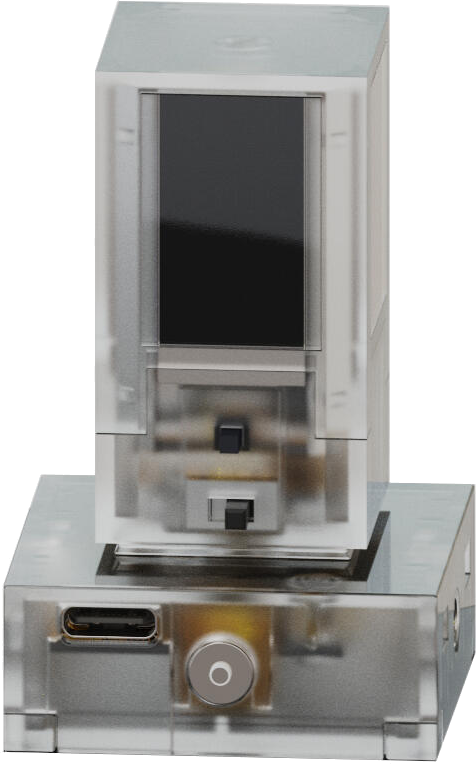
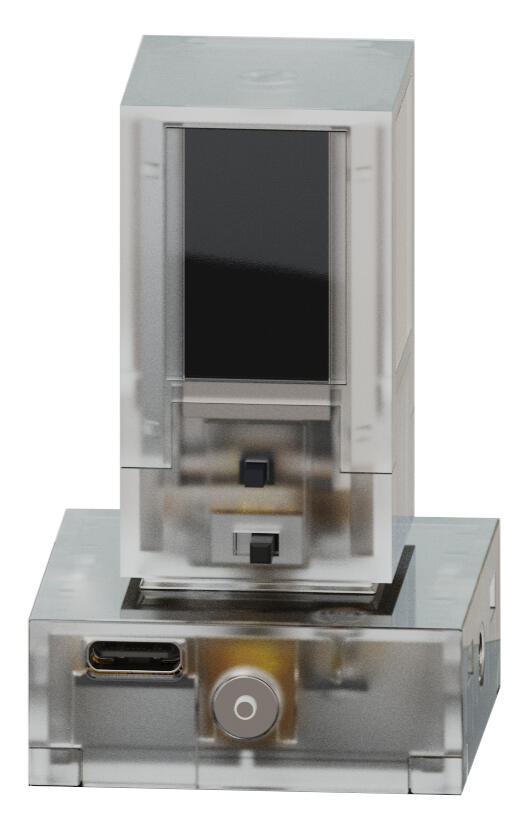
DIMI was built as a flexible digital proxy for tabletop miniatures. Store and display over 500 custom minis in one compact device, then switch between them instantly with the mobile app or the button on the device itself.

  • 4-Sided & 2-Sided Displays
  • iOS & Android App
  • Bluetooth Control
  • 4+ Hours Per Charge
Mini Library 500+ custom minis in one compact cube

Built to remove storage hassle, reduce proxy scrambling, and keep the right figure ready for the next encounter.
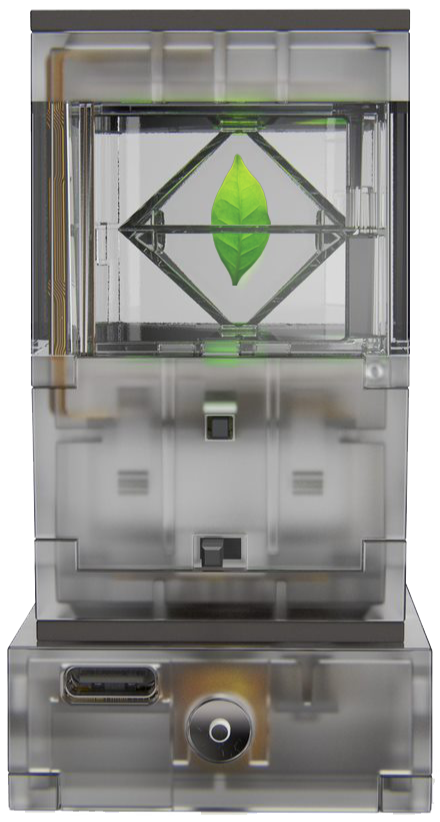
Display Family Cube, Duo, and Pixel

A 4-sided hologram, a 2-sided hologram, and a 4-sided LCD variant built around the same core idea.

Battery & Charging 4+ hours, fast recharge, modular pads

Designed for longer sessions, under-30-minute recharge, and multi-device charging through one USB-C setup.

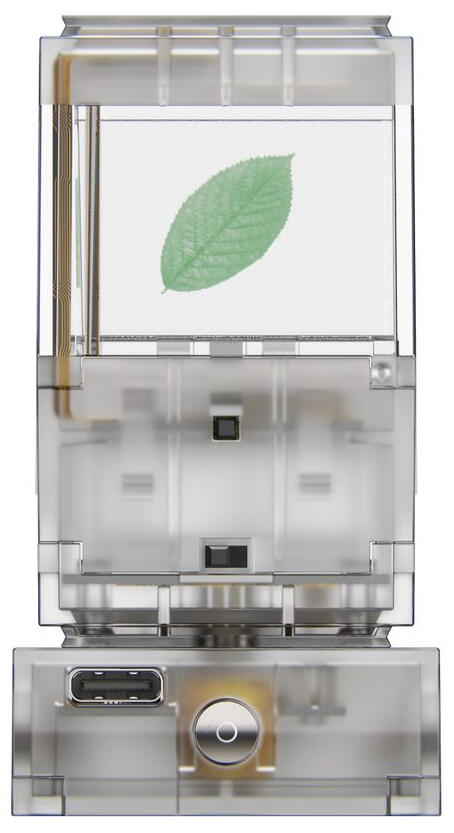
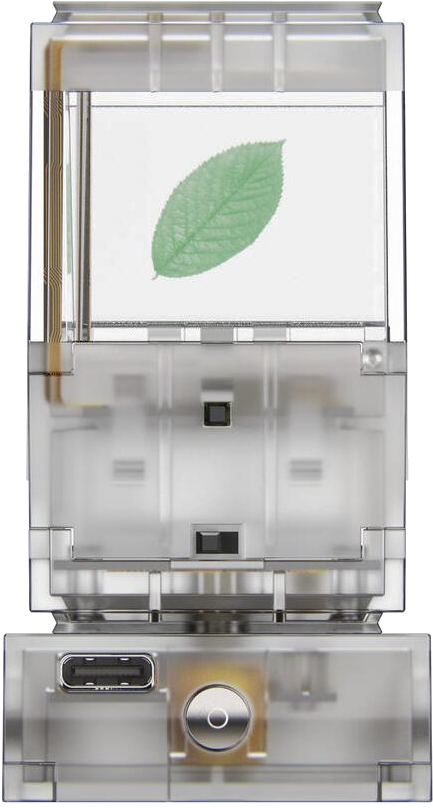
2-Sided Hologram DIMI Duo
DIMI Duo render

Uninterrupted square view.

The clearest hologram-first expression of the DIMI family.

4-Sided Concept DIMI Cube
DIMI Cube concept render

The original vision.

The form that gave DIMI its name and long-arc ambition.

Compact Variant DIMI Pixel
DIMI Pixel render

Smaller, calmer, easier to place.

The compact sibling for shelves, desks, and everyday display.

The DIMI Family

Three Formats, One Core Idea.

The Kickstarter framed DIMI as holographic and LCD cubes for TTRPGs. Cube handles the full four-sided hologram story, Duo gives you the square two-sided read, and Pixel offers the compact LCD alternative.

DIMI Cube product render

DIMI Cube

The Tabletop Hologram Cube

  • 4-sided holographic display for full character portrayal visible from any side of the table.
  • The flagship expression of the original DIMI concept.
  • Best when the biggest hologram story needs to land immediately.
DIMI Duo product render

DIMI Duo

Two-sided with an uninterrupted square view

  • 2-sided holographic display with a full square view on each side.
  • The hologram version with the cleanest straight-on read.
  • Best when the hologram effect itself needs to stay front and center.
DIMI Pixel product render

DIMI Pixel

The compact non-hologram sibling

  • 4-sided LCD display offering a compact high-definition alternative to holograms.
  • More lifestyle-friendly in tighter spaces and easier to place every day.
  • The most approachable entry point for desks, shelves, and ambient loops.

Why It Lands

Physical Feel with Digital Flexibility.

DIMI works because it keeps the ritual of a real display object while giving the content more freedom than a static miniature or framed image can offer.

Product Read

More curated than a screen. More flexible than a static miniature.

The launch story kept returning to the same tension: how do you keep something physical in your hand while borrowing the utility of something digital? Holograms were the key.

DIMI Duo photo

01

Custom Holograms

Show off multiple unique holograms at a time. Load images now, with the broader roadmap pointing toward video and 3D files.

02

Fully Mobile

Battery powered and paired with a charging pad, with the original product story centered on easy movement between desk, shelf, and table.

03

Instant Narrative Flexibility

Keep a deep library of scenes readily available, with the next one only a button press away.

04

App Control for iOS & Android

Capture, crop, assign, and switch images from the mobile app, then browse the library or control the device manually when you want quick changes.

How To Use DIMI

Capture, Upload, Switch.

The Kickstarter walkthrough kept the setup simple: choose an image, send it over Bluetooth, then cycle through your library from the app or directly on the device.

Step 01

Capture & Upload

Use the app to take a photo or select an existing image, crop it, assign it to the right side of the device, and send it over Bluetooth.

Step 02

Connect & Customize

Browse the image library in the app and switch between miniatures directly from your phone for faster encounter changes.

Step 03

Manual Control

When you need a quick on-the-fly change, cycle through your images from the physical button on the DIMI itself.

Use Cases

From game tables to collectibles to family photos.

As the team tested the idea, the audience widened fast. What started as a better way to handle miniatures turned out to work for favorite characters, shelf pieces, loops, and personal media too.

DIMI Duo shown as a tabletop display piece

Game Tables

Better than cardboard stand-ins.

Use DIMI for signature heroes, villains, bosses, or scene markers when cardboard cutouts and plastic chips do not quite scratch the itch.

DIMI Pixel shown in a compact lifestyle setup

Collectors

Display favorite media like a real object.

Characters, loops, and artifacts feel more deliberate when they live in a display object instead of staying trapped inside a phone screen.

DIMI Cube concept render

Personal Media

Small worlds at your fingertips.

Family photos, ambient loops, and custom scenes all benefit from the same core idea: a small stage that feels sculptural instead of purely digital.

Origin

Built from a tabletop problem, not a trend cycle.

Even as TTRPG enthusiasts and amateur game masters, the team kept running into the same issue: no space for crates of tiny figurines and never quite the right miniature for the situation in front of them.

The stopgap solutions, plastic chips, game pieces, and cardboard cutouts never felt satisfying. The goal became clearer: keep something physical on the table, but make it customizable enough to follow the story being told.

Problem 01 No room for crates of miniatures.
Problem 02 Never the exact figure you need.
Problem 03 Existing stand-ins feel temporary.

Stay Close To The Lineup

Follow DIMI as Cube, Duo, and Pixel keep taking shape.

The Kickstarter framed the idea. The interest list is where people can stay close to the next product update, launch detail, lineup change, and app or hardware update.